
Ready on arrival
Open the intended application in a clean, configured workspace.
Managed desktop infrastructure
Application-ready desktops for computer-use agents, designed with health signals, bounded controls, and recoverable artifacts around every run.
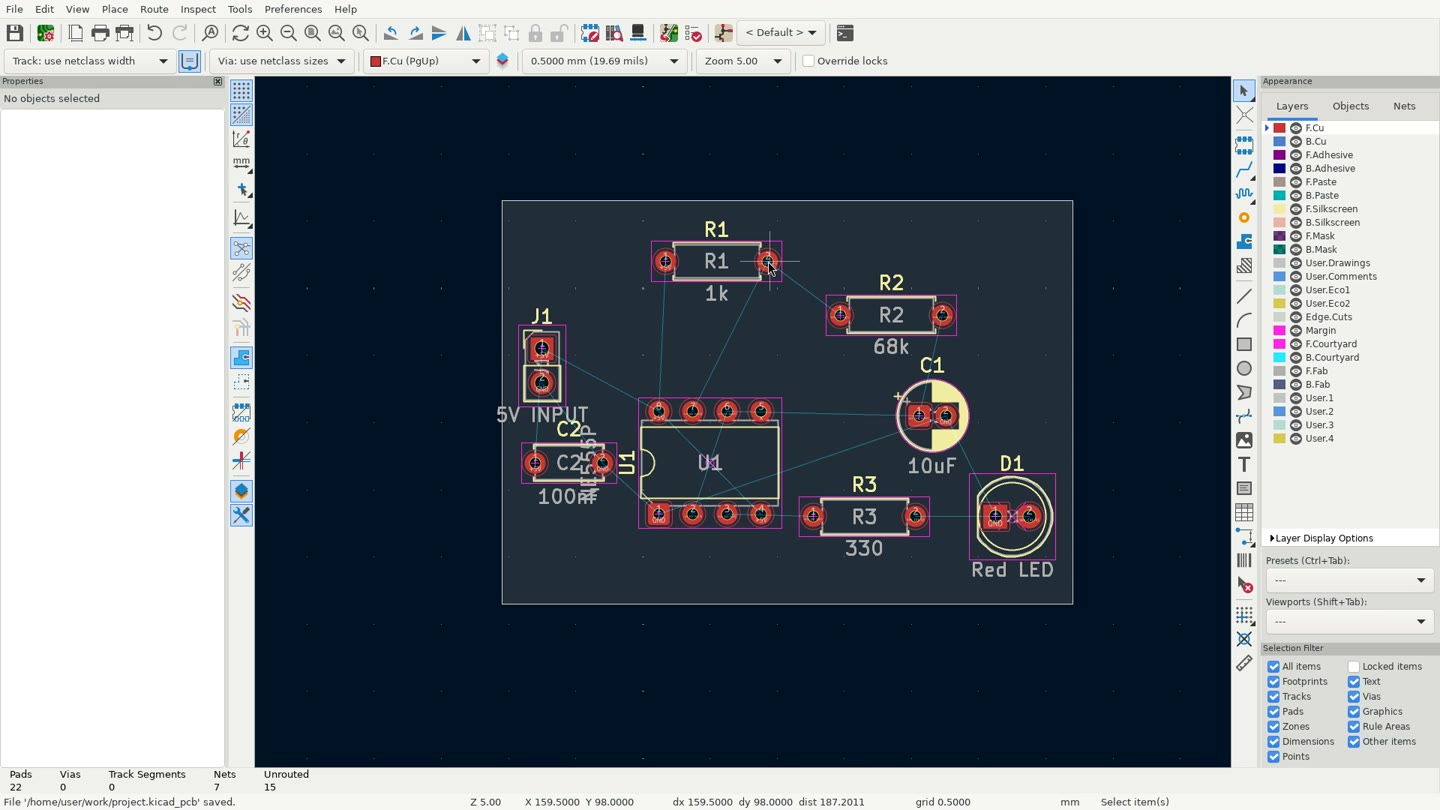 ACTION 01 / 10
Open the intended application in a clean, configured workspace.
Distinguish machine uptime from real application readiness.
Use the model, framework, and control loop that fit your task.
How Adept AI works
General-purpose desktops make agents solve setup, monitoring, and recovery before the real task begins. Adept AI is being built to make those responsibilities part of the environment.
Start with a prepared engineering desktop and an explicit workspace.
Use screenshot, pointer, keyboard, and file operations from your own loop.
Checkpoint a saved artifact before consequential or uncertain actions.
Inspect, recover when needed, and collect only the intended outputs.
Application-aware by design
A live machine can still hold a frozen editor, an unexpected dialog, or unsaved work. Adept AI’s proposed control plane makes those states visible and gives the operator an explicit recovery path.
Explore application healthObserve whether the intended editor is responsive and ready.
Create a verified safe point before an important operation.
Restore a selected checkpoint and restart the application deliberately.
Keep controls scoped to the application and approved workspace.
Application environments
Each proposed environment is designed around native files, meaningful health checks, and safe recovery boundaries.
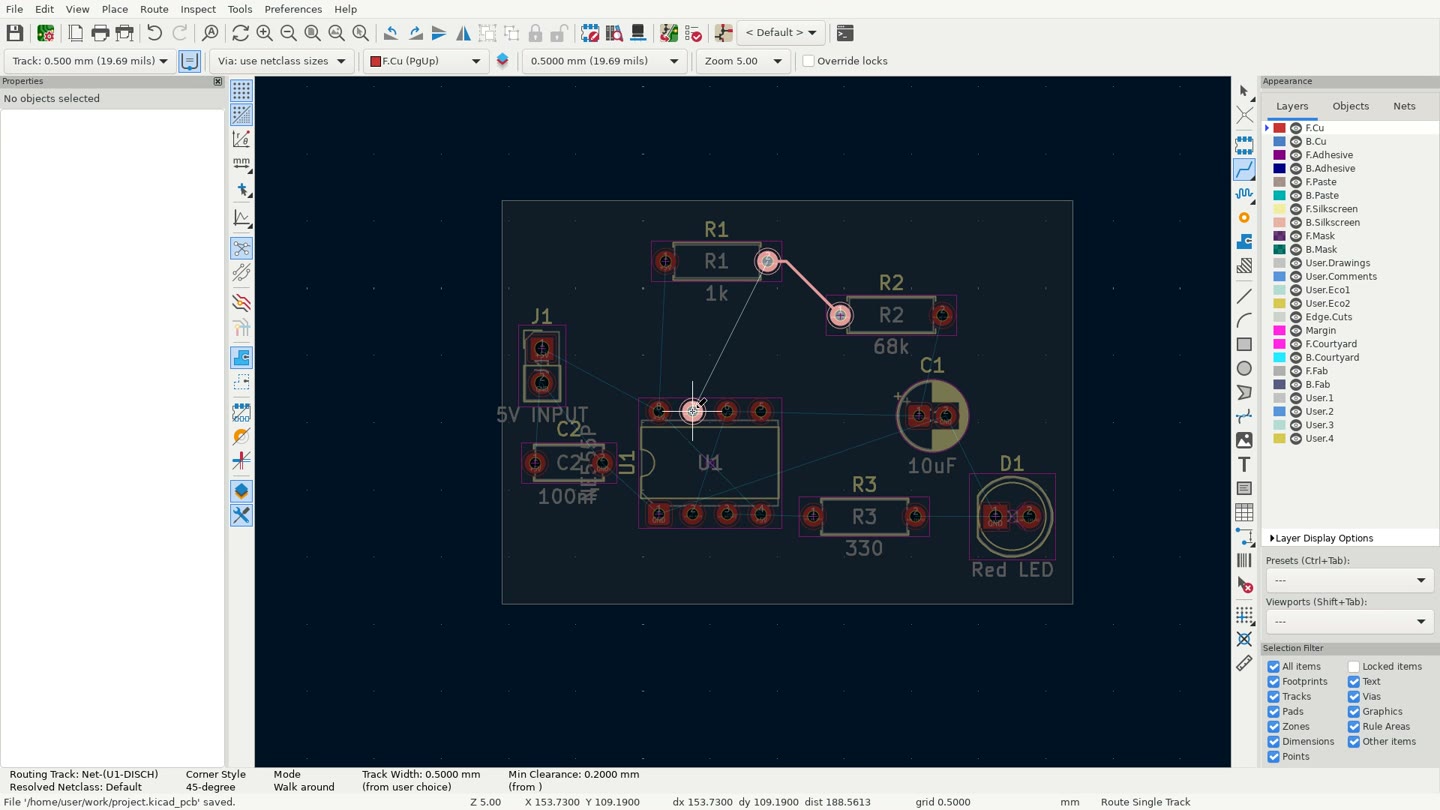
Schematic capture, PCB layout, Gerber review, and native project artifacts.
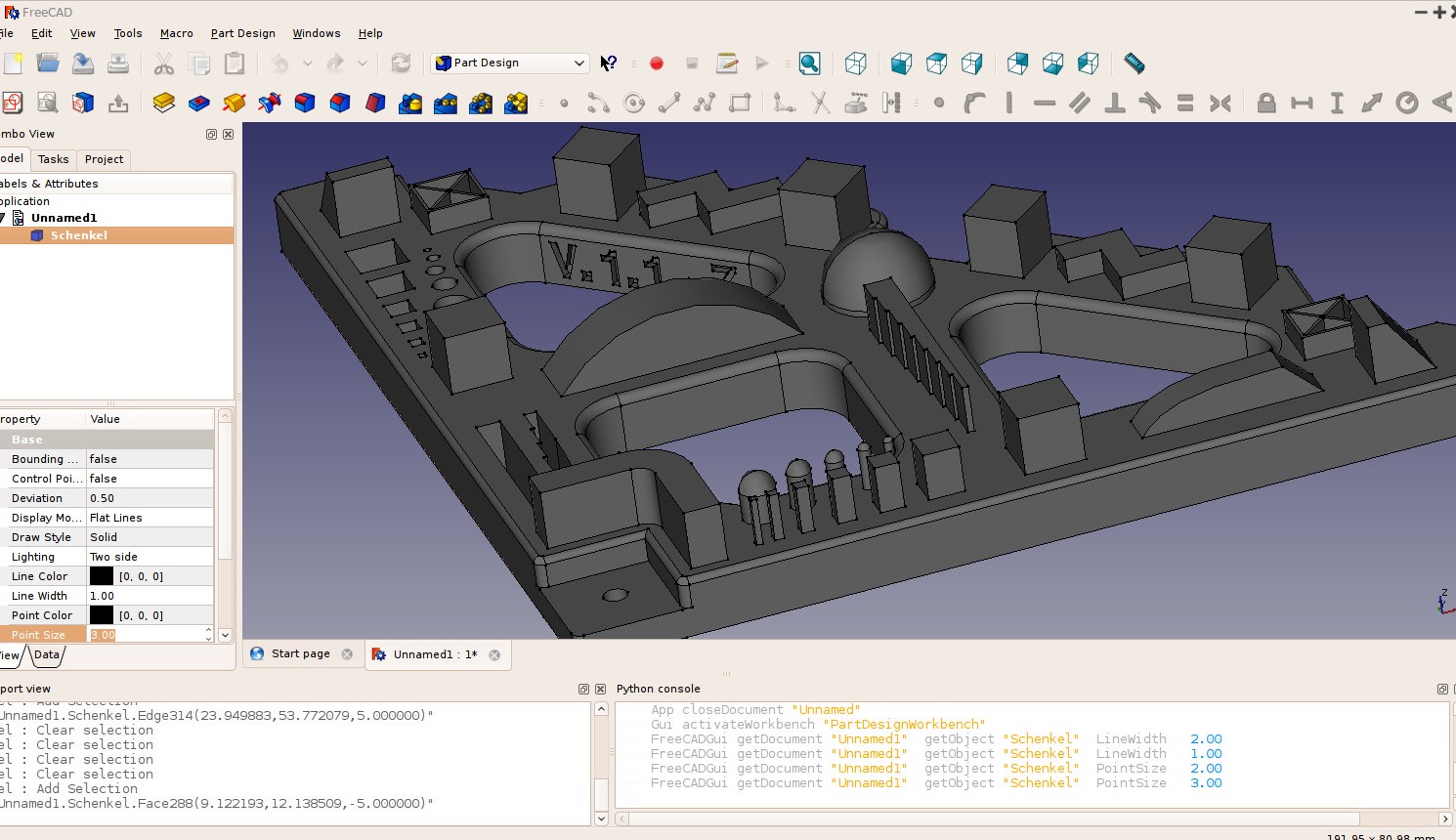
Parametric modeling and engineering workflows using native and exchange formats.
Need another application for a pilot? Describe your environment
The control surface
Keep the agent loop you already use. The proposed SDK brings desktop observation, input, files, health, and recovery into one environment object.
from adept import Client

adept = Client()
desktop = adept.environments.create("kicad")
desktop.wait_until_ready()

# Connect the computer-use loop you already trust
frame = desktop.screen.screenshot()
desktop.mouse.click(500, 300)
desktop.keyboard.type("100nF")
desktop.keyboard.keypress(["CTRL", "S"])

# Preserve and collect the useful work
desktop.checkpoint()
desktop.files.download("/workspace/board.kicad_pcb")
desktop.stop()
Bring your agent stack Python + desktop control
Use short application actions, screenshots, and project files in one managed session. Execution availability and limits are confirmed during a pilot rather than promised by this pre-release site.
from adept import Client

desktop = Client().environments.get("YOUR_ENV_ID")
capabilities = desktop.capabilities()
generation = capabilities["generation"]

result = desktop.execution.run(
    "display(pyautogui.screenshot())",
    expected_generation=generation,
)

print(result["status"])
desktop.stop()
Proposed launch pricing
Planning targets for early-access conversations—not a current offer, subscription, or checkout.
Explorer
Developer
Enterprise